
Physical Installation Procedures:
Identifying Your Equipment
The Envysion Video Recorder (EnVR) is a network appliance that is installed at each site, either in tower or rack form-factor. It is connected to the network, the cameras, and any of the optional local devices or accessories.
EnVR Setups
Your EnVR will be one of the following form factors, depending on the nature of your organization’s video solution. It may be located in your Office, your Networking area, an equipment storage area, or even in the sub-ceiling. If it is located in an area you do not have safe access to, please contact Technical Support or your Facilities team for assistance rather than putting yourself in harm’s way.
Option 1 – Envysion Network Video Recorder (EnVR)
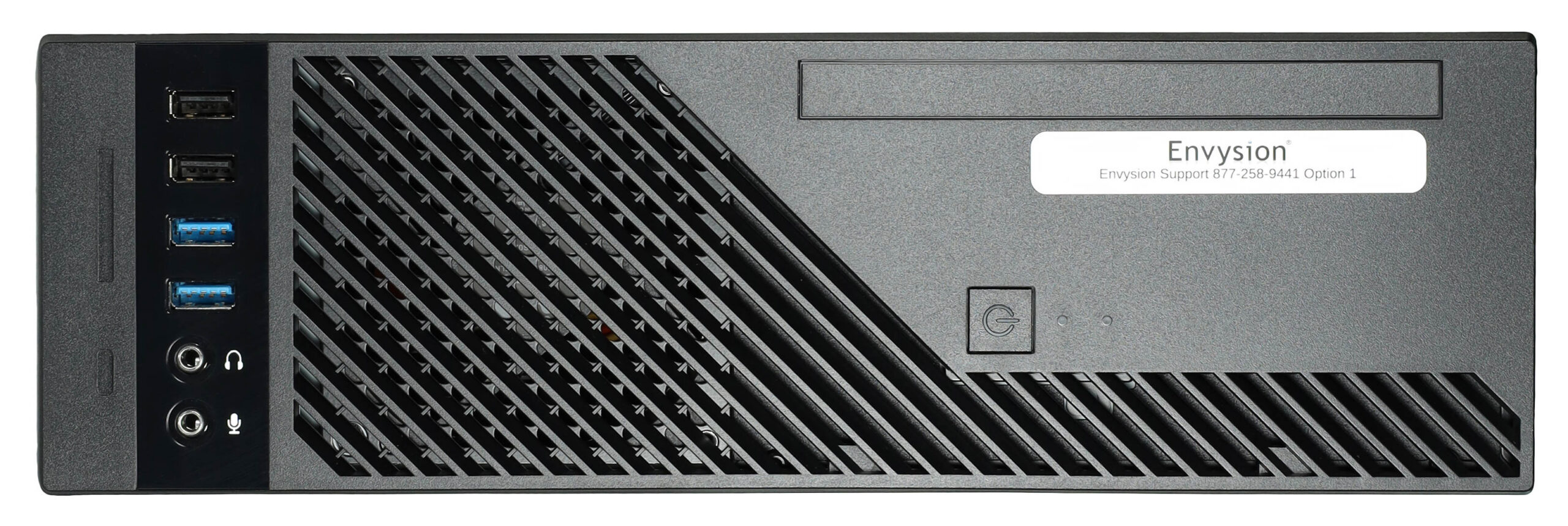
If you have an EnVR you will either have a Tower/Desktop model or a Rack model. Both can be identified by searching for the following items:
- White ‘Envysion’ sticker
- Blue light power button
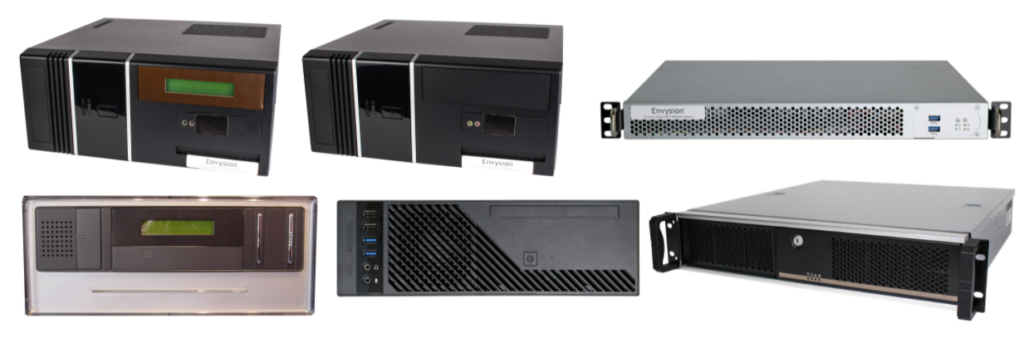
- Some generations have a small LCD screen on the front.
Envysion Tower EnVR Gen13
Envysion Rack Mount EnVR Gen13

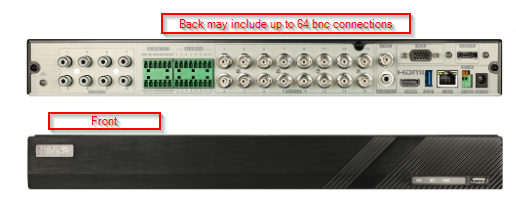
Invid Analog Video Encoder (requires an EnVR to Operate)
Older Generations of the Envysion EnVR
Option 2 – Hikvision DVR with an Envysion Bridge or an EnVR
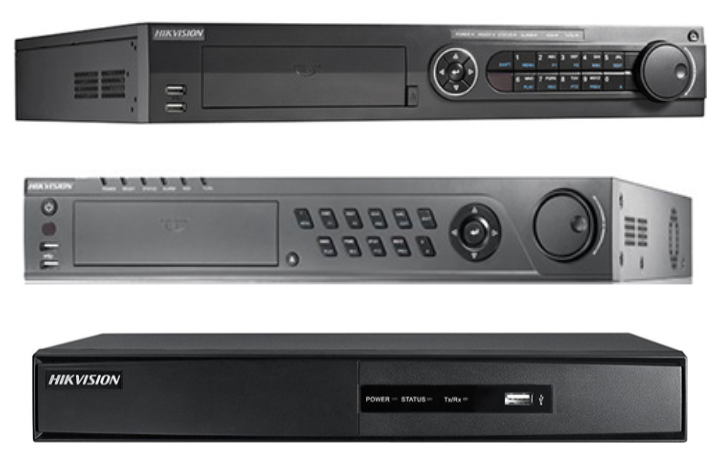
The Hikvision DVR looks like a DVD player and can be identified by looking for the brand ‘Hikvision’ on the top left corner of the DVR unit. The Bridge unit is at End of Life but with an EnVR we may still be able to use the Hikvision DVR you have on site as an encoder, analog only devices.
 A bridge can be identified by looking for a small silver/black square device that looks like a jewelry box and may have the brand ‘Intel’ on the unit.
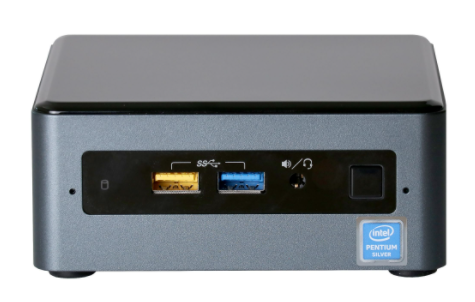
Envysion Bridge is End of Life
Power Supply Unit (PSU)
The Power Supply Unit (PSU) provides power to the DVR and it connected to a wall outlet.
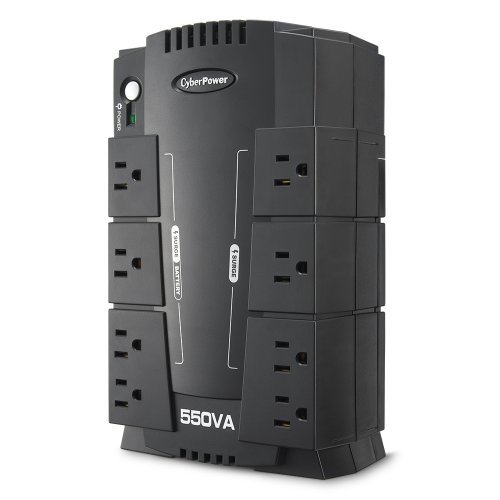
Analog Camera Power Supply
The analog camera power supply unit we provide can be identified by looking for a gray/beige colored box. It will often have the brand ‘Altronix’ printed on the box.
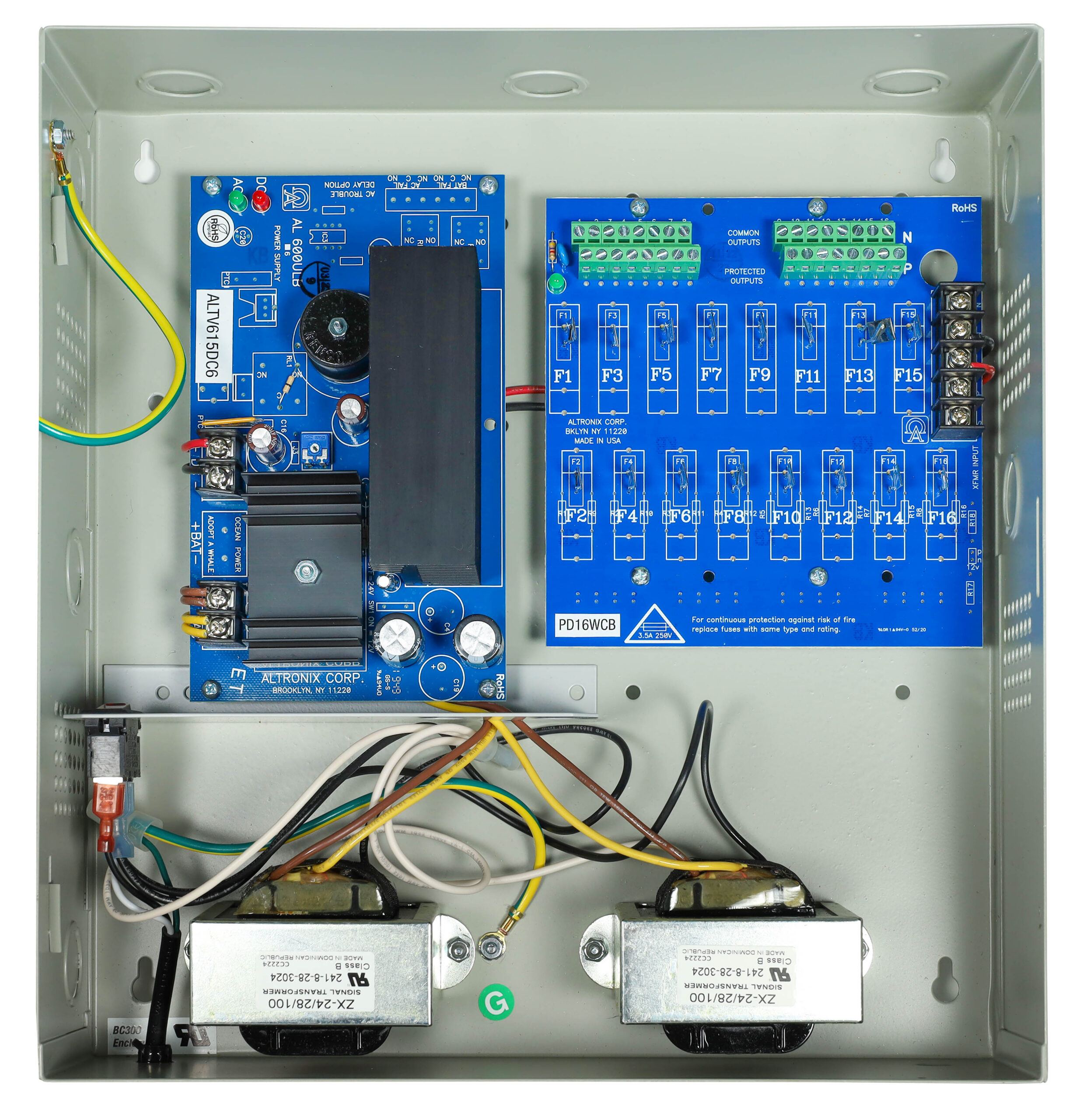
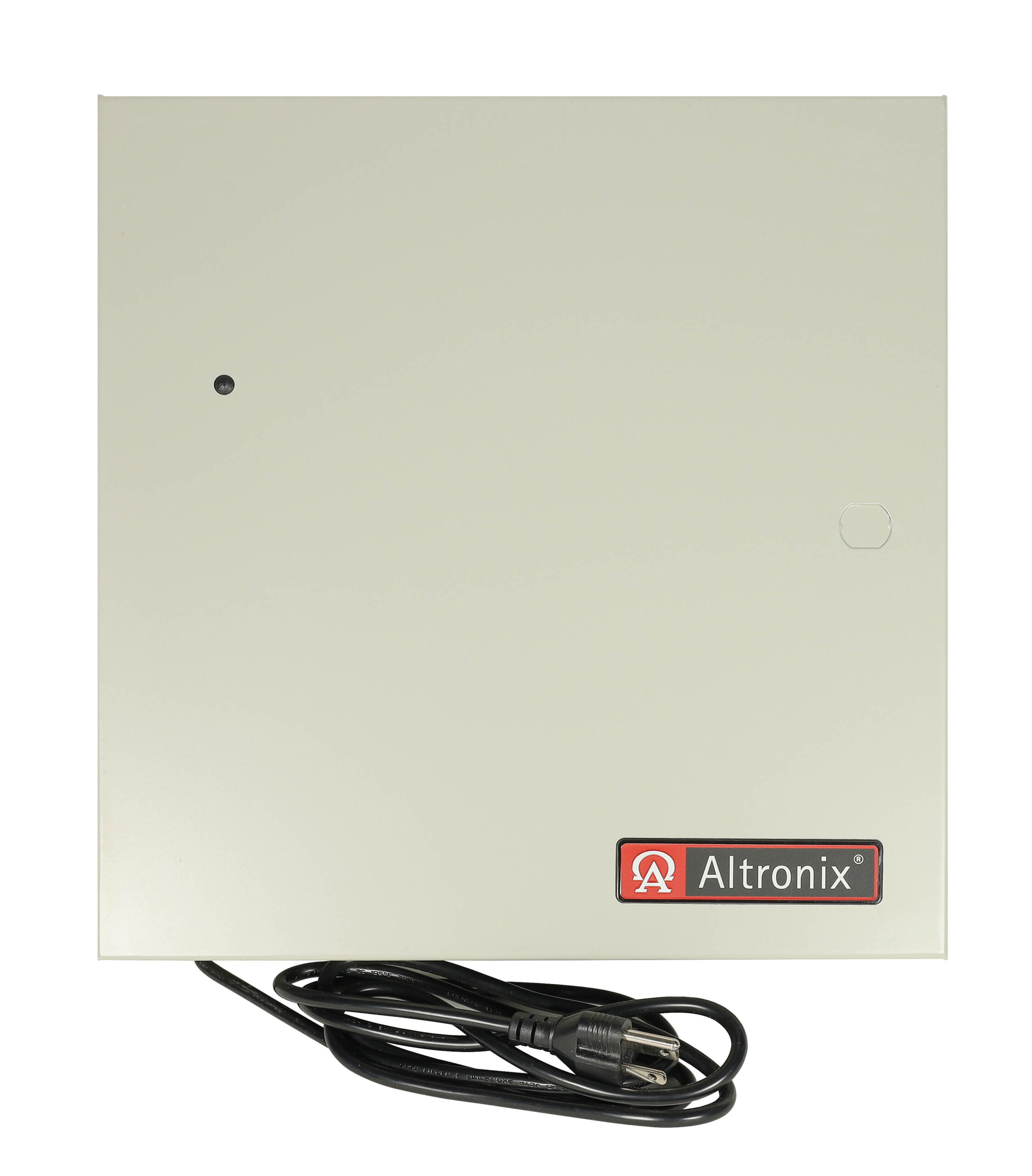
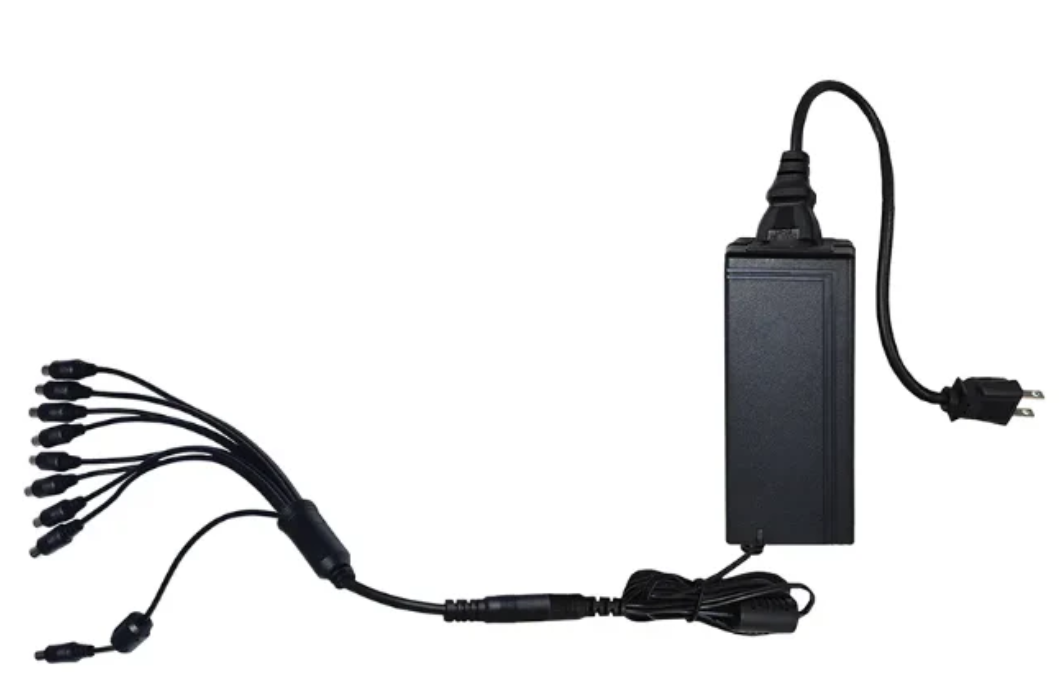 Older analog power supplies may look like this with a power brick and an octopus cable.
IP Camera Switch/PoE Switch
Switches look like slim boxes with multiple ports on the front.


