
Physical Installation Procedures:
Drive Thru Performance Hardware Installation
Required Hardware for Drive Thru Performance Installation
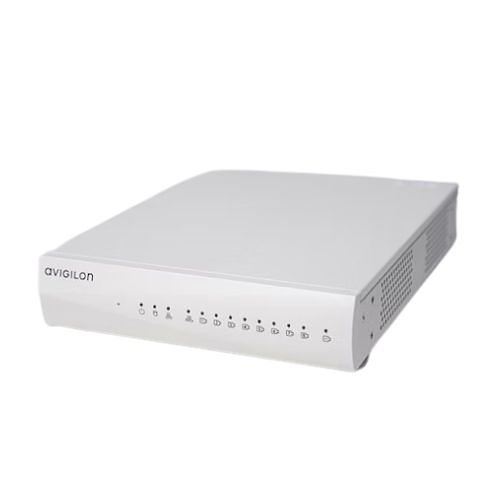
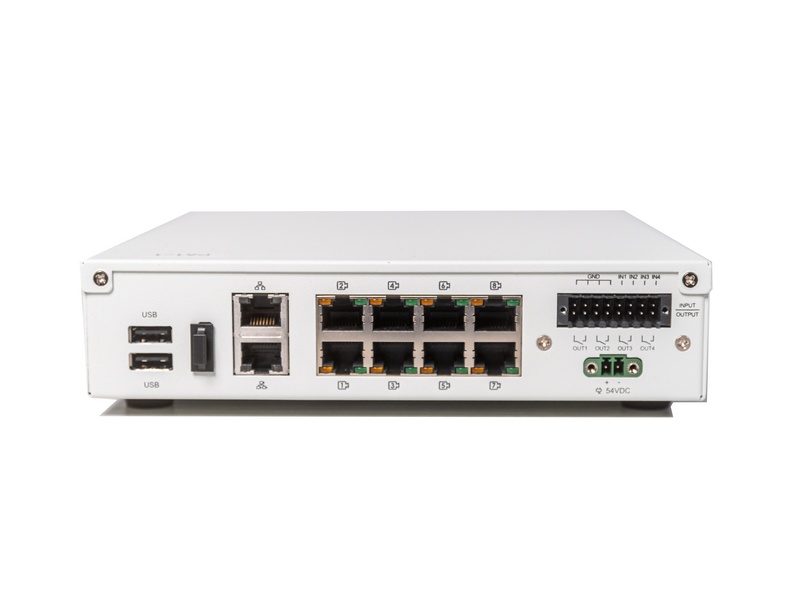
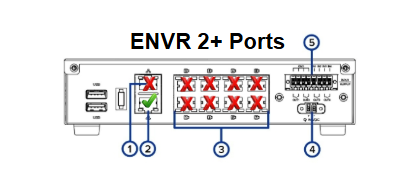 Make sure you are using a Cat 5e+ or Cat6 cable to connect the Envr2+ to a 1GB port on the PoE Switch.
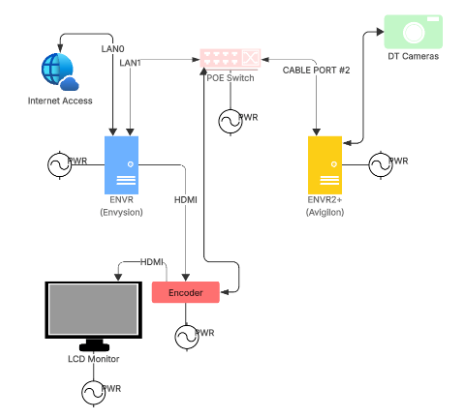
There will be a Monitor, Monitor HDMI Encoder, Envysion Envr, IP Cameras, PoE switch and the Customers Network switch as part of the Cabling Path
Was this post helpful?
Let us know if you liked the post. That’s the only way we can improve.