
Physical Installation Procedures:

Panic Button Installation
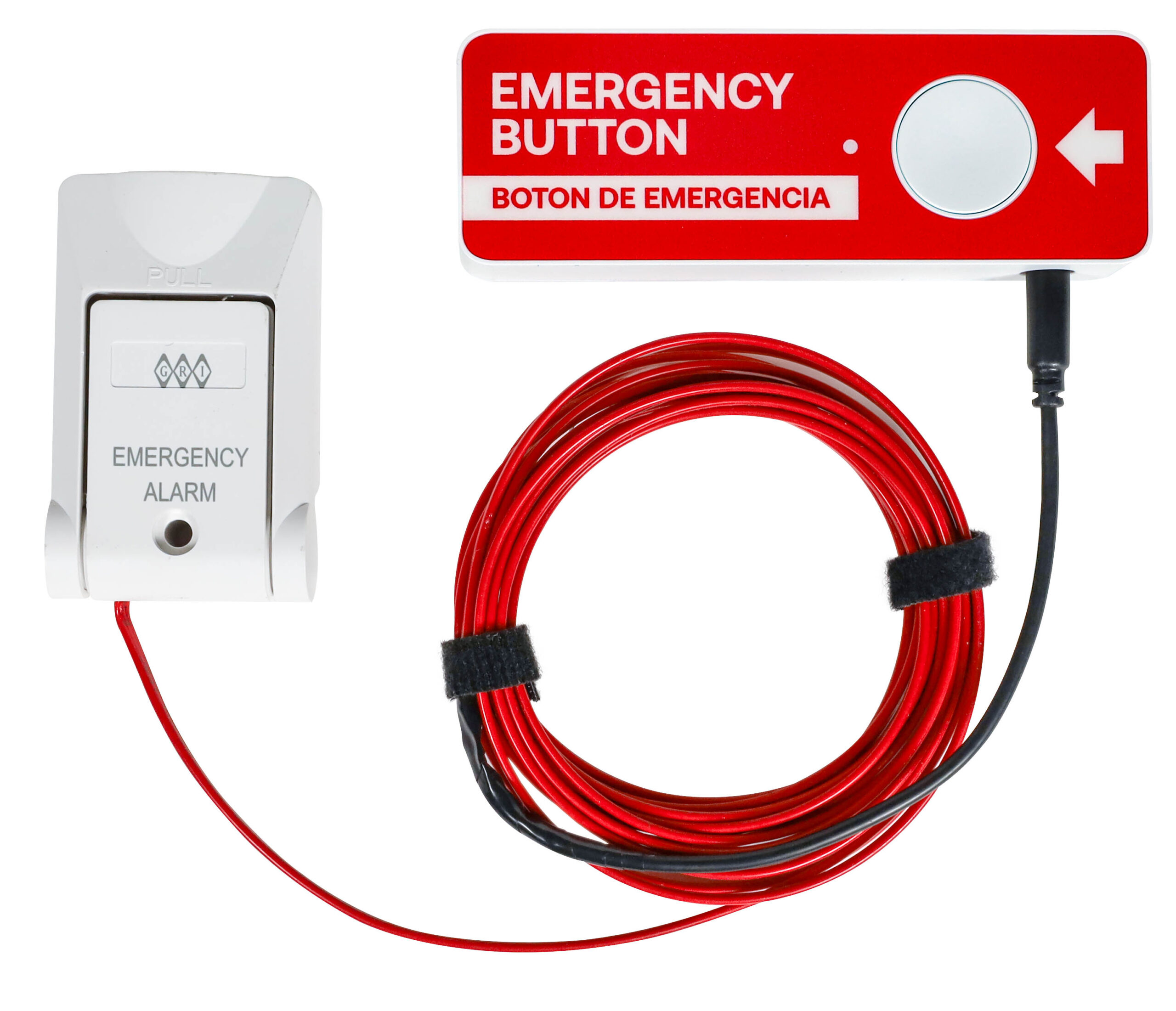
Envysion Panic Button

During Installation please press and hold the button initially until the led color changes to green. This will ensure that it is properly communicating with the server.

Standardization of the assigned cameras for Panic Buttons
● Back Door
● Largest area of the Lobby
● Drive Thru Window
● Camera where the button is located (ie: office, cooler, front counter, if Drive Thru the Exterior shot of that Location)

There are also New Panic Button Holsters for mounting the Panic Button to the wall with extra hold. This bracket will need two fasteners specific for the material you are mounting to. Manufacturer recommends a pan/flat head M4 screw for installation

Panic Button Install Videos

Panic Button Install without the Cooler Switch / Cooler Panic Button & Switch Pre-Install & Setup

Cooler Panic Button & Switch Quick Connection Install 

Cooler Panic Button & Switch Full Install

Was this post helpful?