
Physical Installation Procedures:
Replacing Camera(s) and Channel(s) on the Envysion App
Replacing Camera(s) and Channel(s) on the Envysion App
***The replace camera functionality is critical to maintain Cloud Archive, Smart Site Protection, and Point of Sale Integration continuity***
Video Walkthrough Replace Camera
Log into Envysion App, Navigate to your site page.
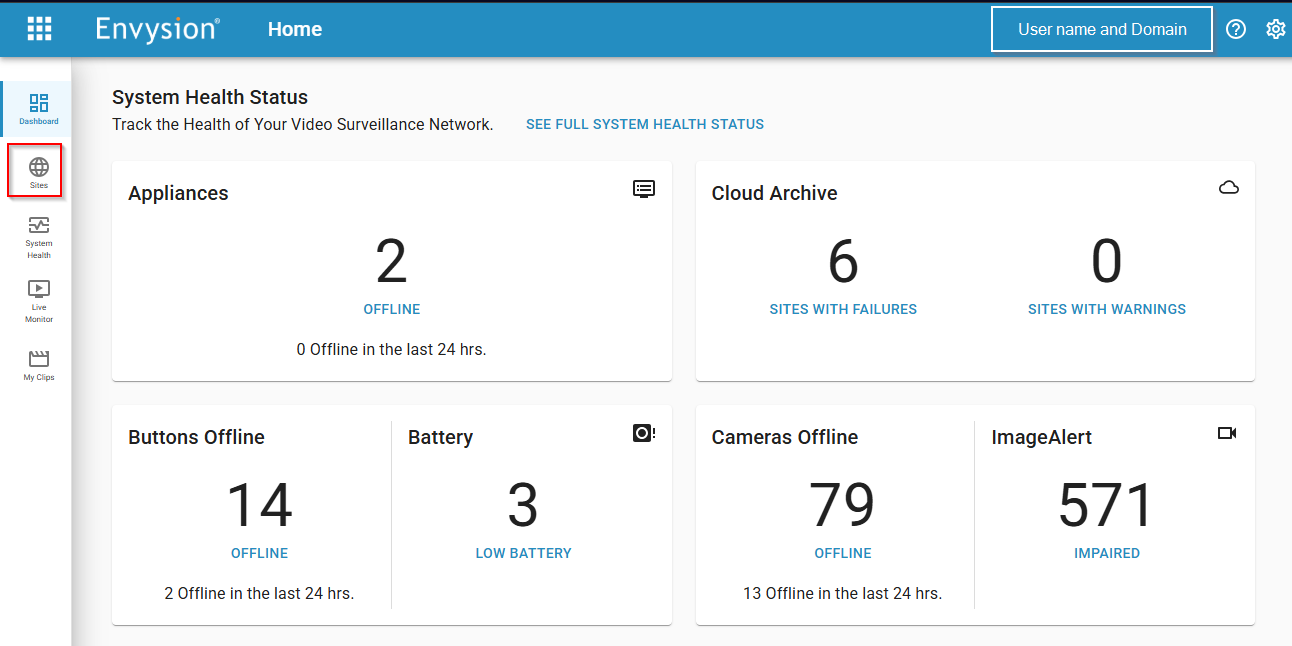
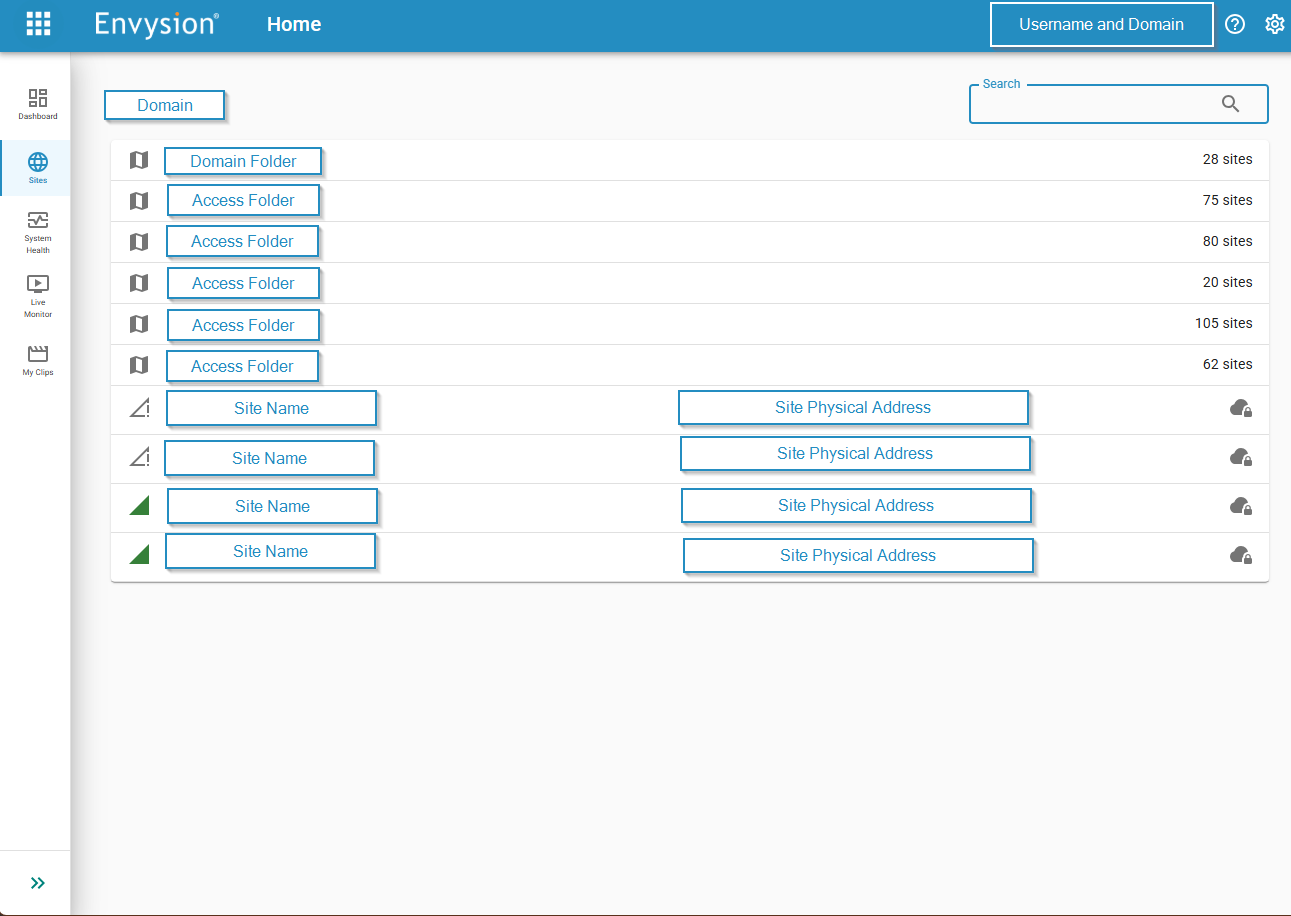
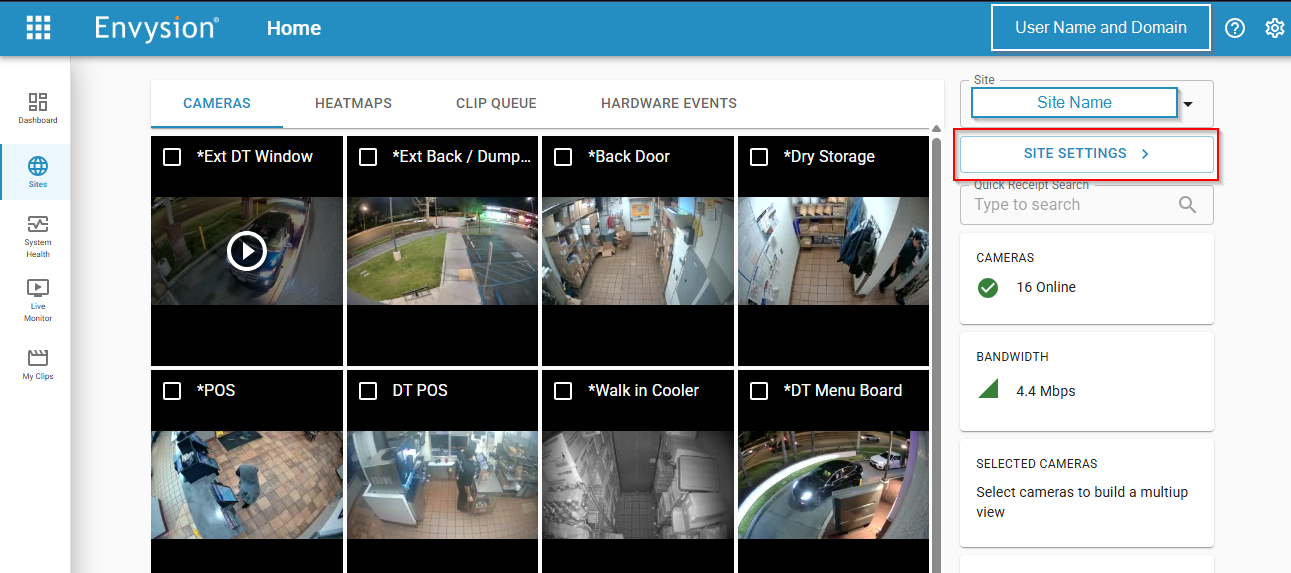
Navigate to Site Settings
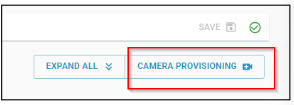
Click on the camera provisioning button in the top right corner
Select appropriate camera(s) to replace from drop down
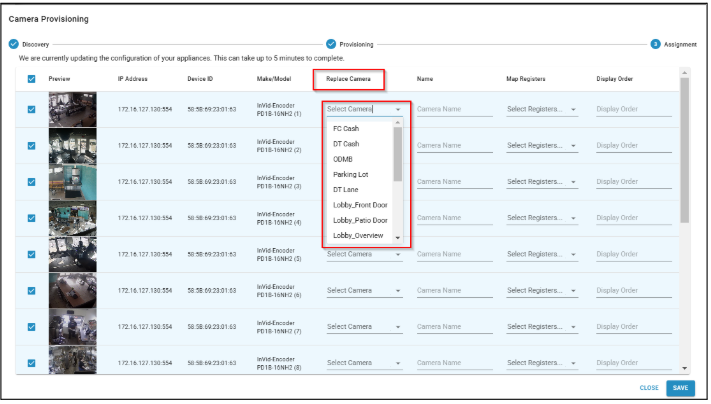
Hit save
Was this post helpful?
Let us know if you liked the post. That’s the only way we can improve.